
Configuring Your Exchange Method
In the Exchange It settings, you must choose how the app processes exchange requests. You have two options.
How to Change Your Setting
Navigate to Exchange It App > Settings > Exchange Requests.
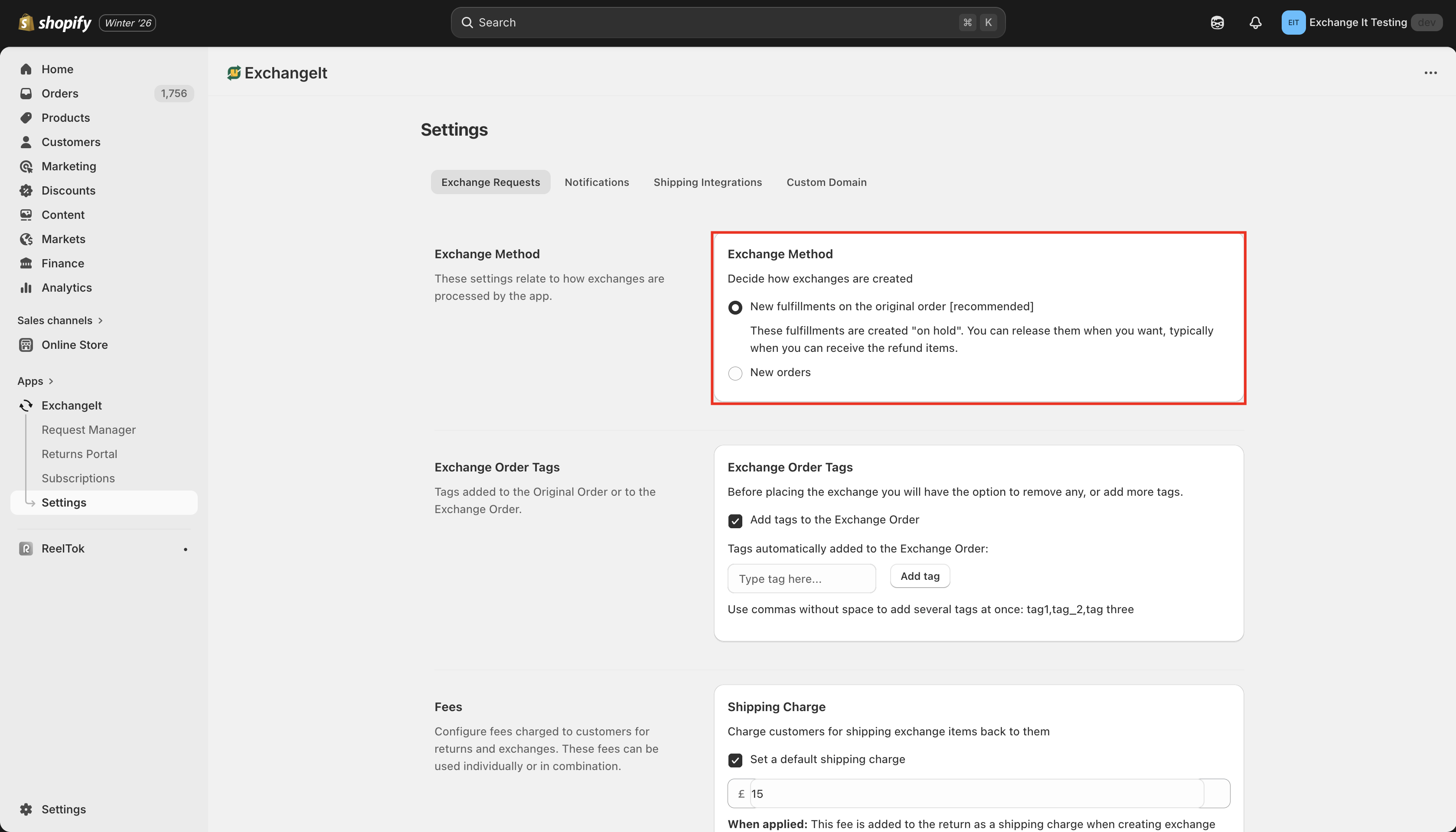
Option 1: New fulfillments on the original order [Recommended]
What it does:
Action: The app adds the exchanged item directly to the existing Shopify Order ID.
Status: The fulfillment is created with an "On Hold" status.
Workflow: You manually release the "On Hold" fulfillment once you receive the customer's return package.
Why choose this?
Prevents Customer Confusion: Because no new order is created, Shopify does not send an automatic "Order Confirmation" or "Invoice" email.
Cleaner Data: Keeps the entire history (original purchase + return + exchange) in one place.
Availability: This feature is now available on all plans (previously restricted to Advanced).
Who is this for? Use this setting unless you have a specific technical reason not to.
Option 2: New orders
What it does:
Action: The app generates a completely new Order ID in Shopify for the exchange (e.g., Original: #1001 $\rightarrow$ Exchange: #1002).
Status: The order is created as a standard unfulfilled order.
The Risk:
Automatic Emails: Shopify treats this as a fresh purchase. It will automatically trigger native "Order Confirmation" and "Invoice" emails, often causing customers to panic and think they were charged again.