
Returns Dashboard: Inspection Page
Inspection Page
You can imagine that some time has passed as you get back to this return.
You have received your customer's the returned items, or not.
The Inspection page is where you simply get to answer: did I receive these items, or not?
If you choose to mark some items as “not received”, you will still be able to refund them, but not restock them (as you cannot restock what you don’t have) (View Demo: Resolving Non-received Requests)
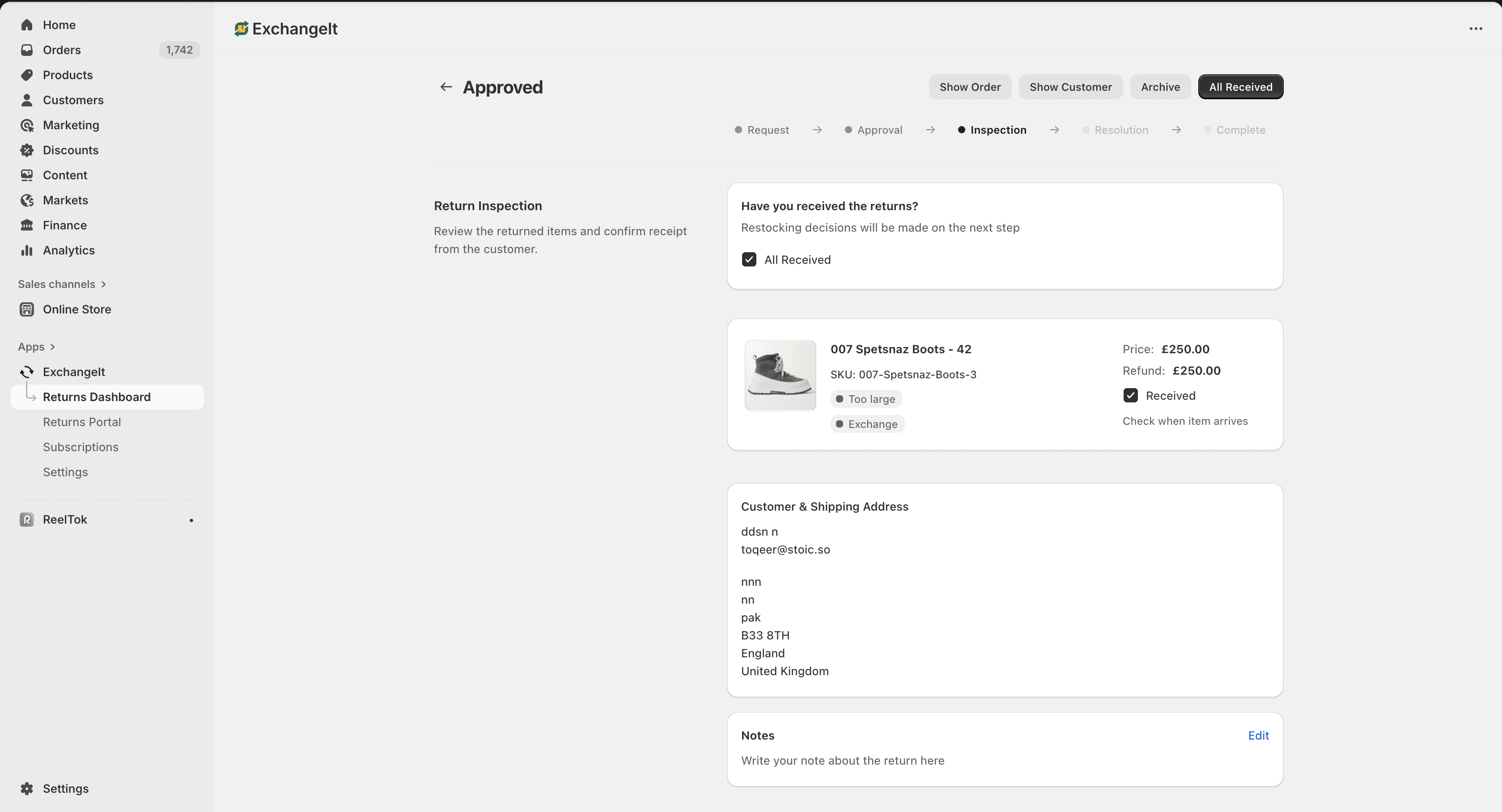
All Received
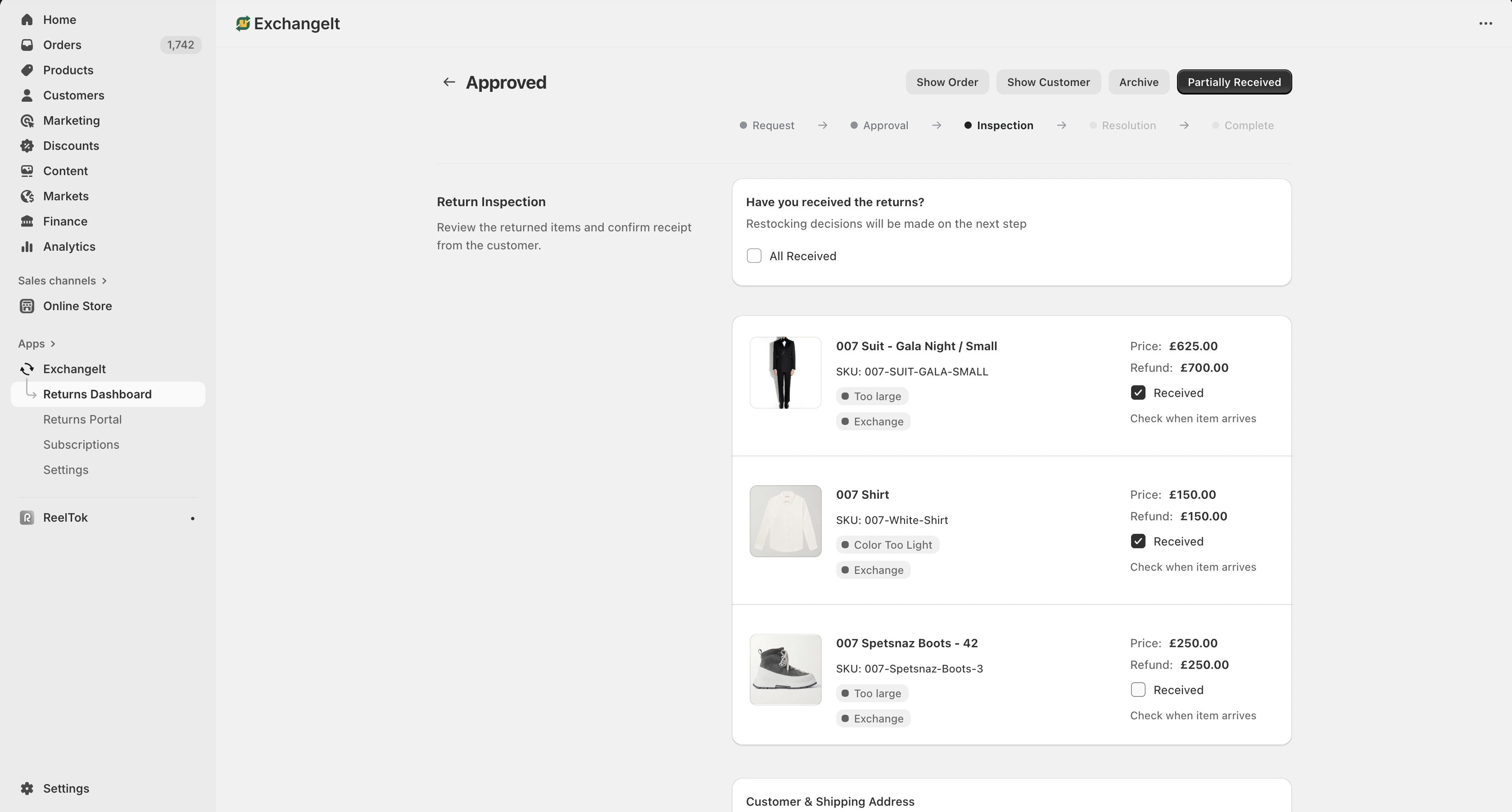
Partially Received
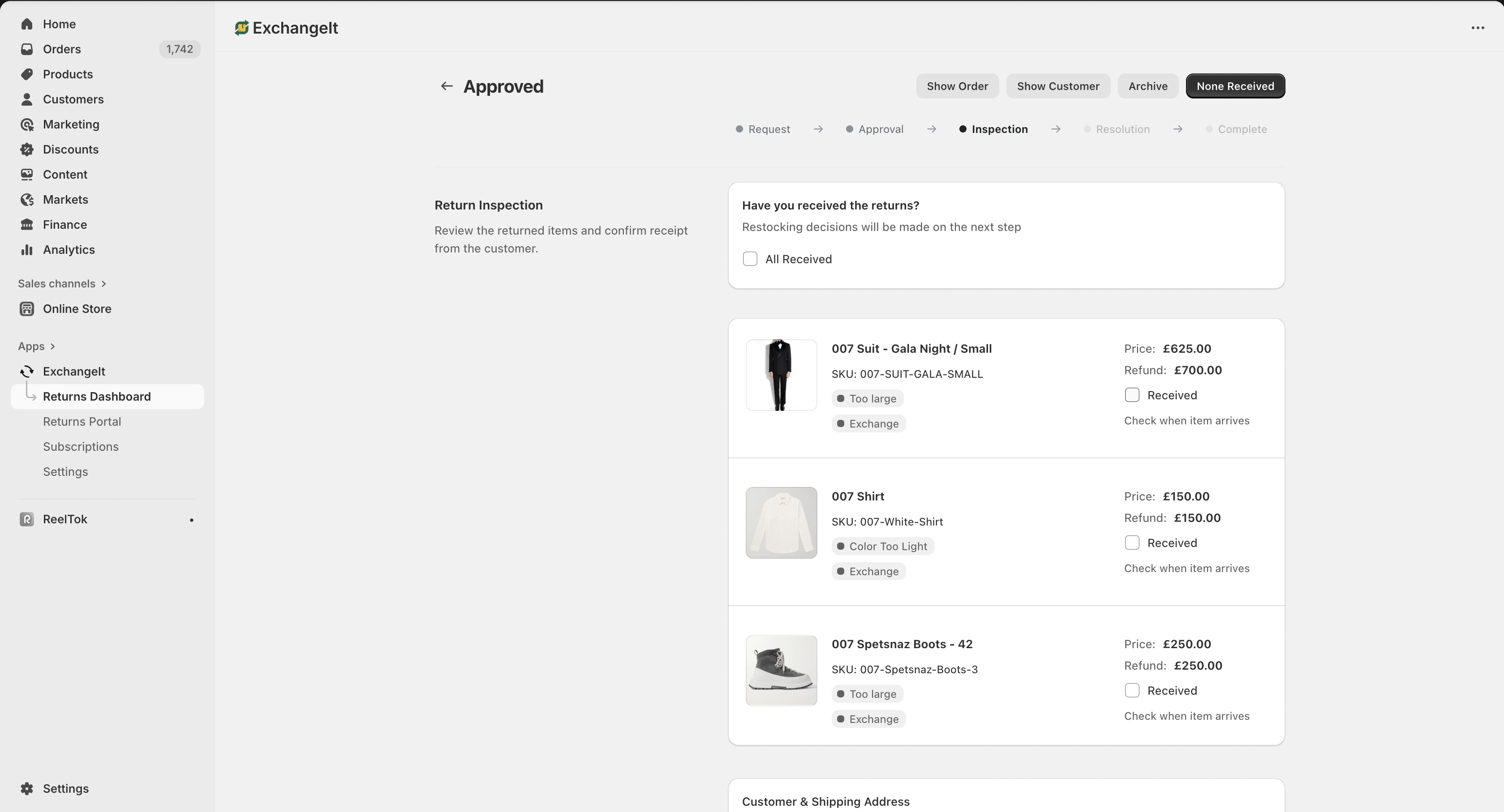
None Received
After you make your choice and press the "received" button, the status is updated to “Inspected” and you are now get to the page where everything happens: the Resolution Page.
Next Steps: Now that you've inspected the items and confirmed what you received, it's time to finalize the customer's request:
Returns Dashboard: Resolution Page
Returns Dashboard: How to Process Returns from Request to Resolution
Want to talk with us, for any reason? Send us a message!